Melyo Player has a dedicated TV app built for the remote. It runs on Android TV and Google TV 7.0 and newer.
Melyo Player is a player only: it does not provide any channels or content. You add your own playlist (M3U or Xtream Codes) from your provider.
Steps
- From Google Play
On your Android TV or Google TV, open Google Play, search for "Melyo Player" and press Install. - Or with the APK
Download the APK from our downloads page on the TV (or copy it with a USB stick), allow "Install unknown apps" for your file manager, and open the file. - Open and add a playlist
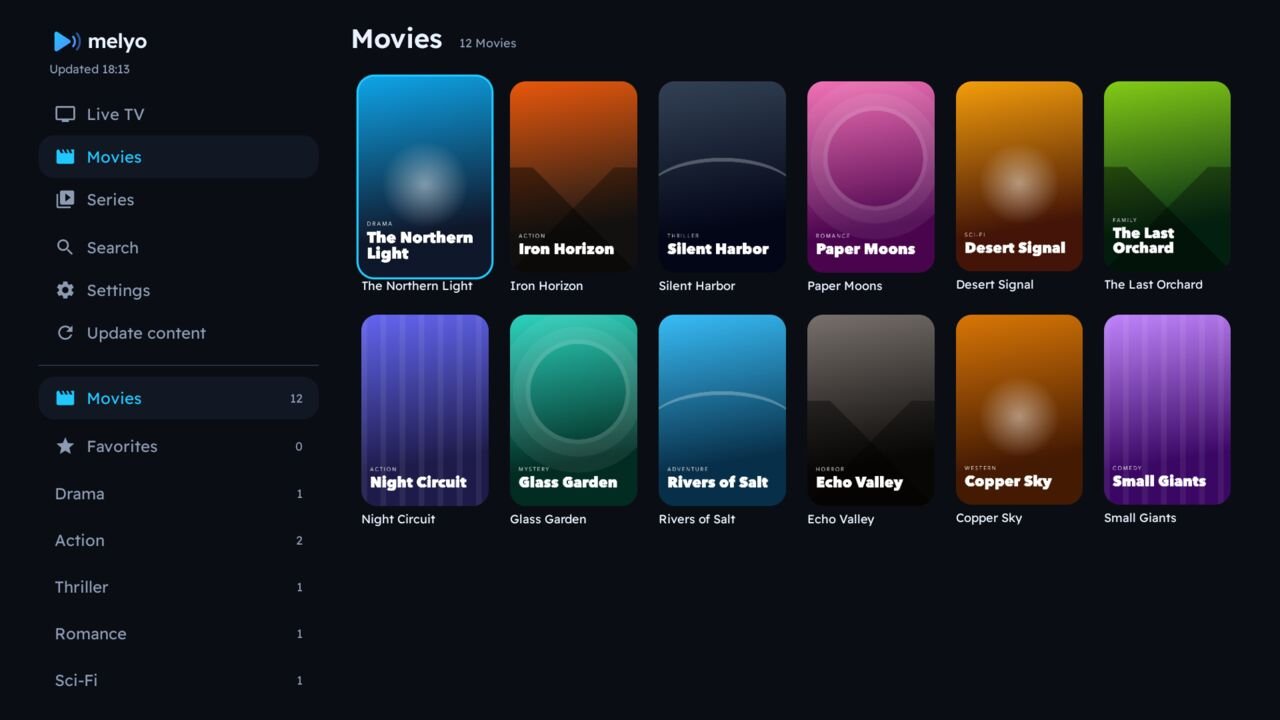
Start Melyo Player, press Continue on the welcome screen, then add your playlist under Settings › Manage Playlists.
Remote control tips
- OK plays a channel; hold OK for favorites and lock.
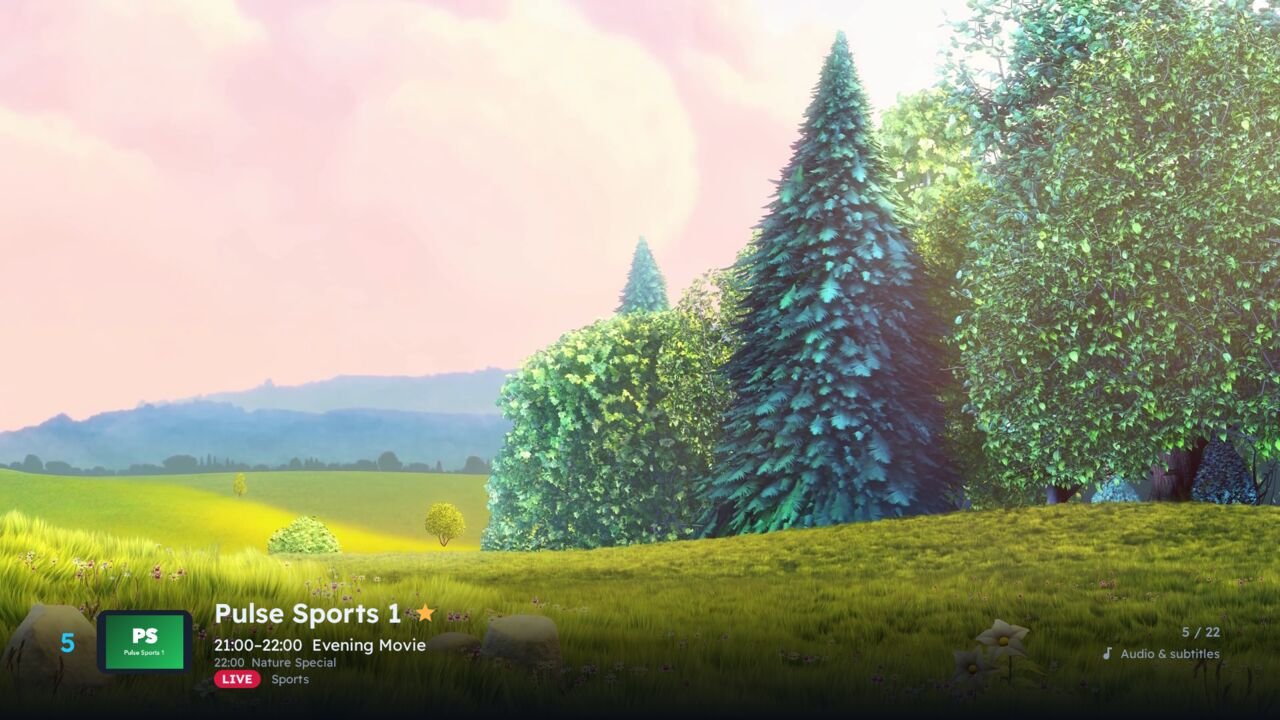
- In the player: Up/Down changes channel, Right (Left in Arabic) opens audio, subtitles and engine.
- Number keys jump straight to a channel number.
Downloads for every device: melyo.app/downloads. On Fire TV, see the Downloader guide.